
About This Class
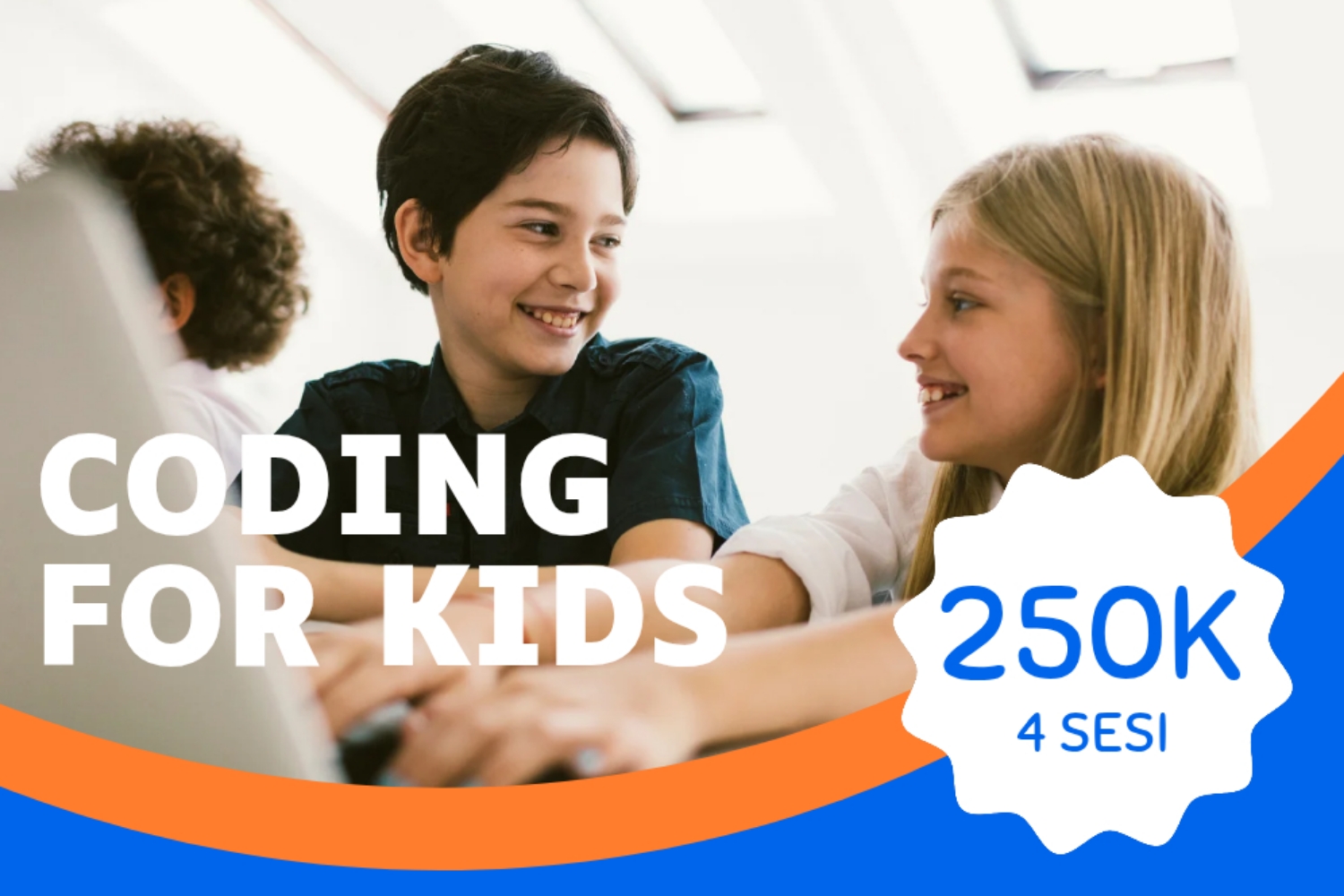
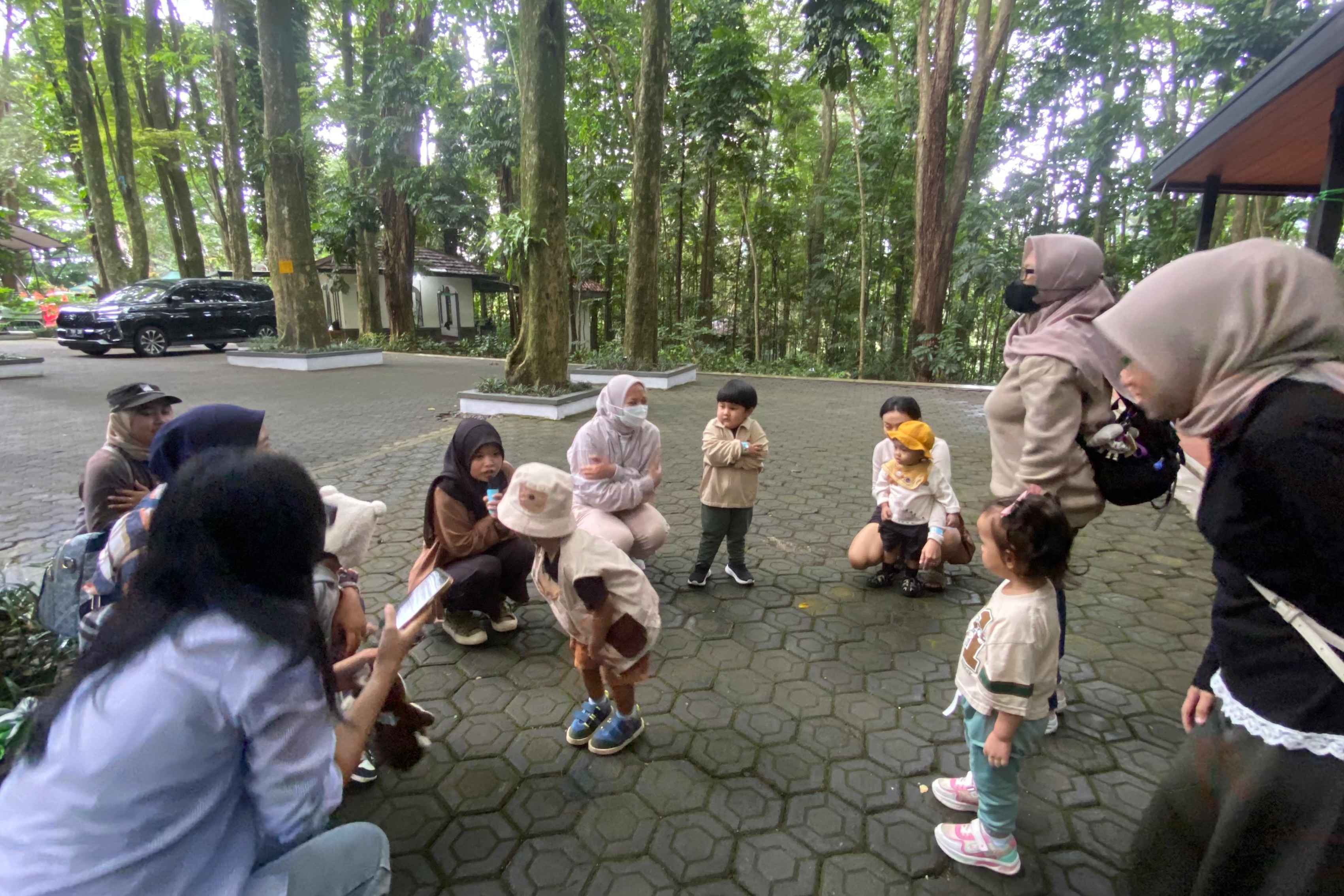
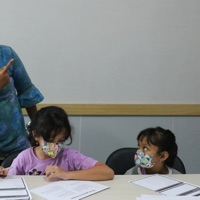
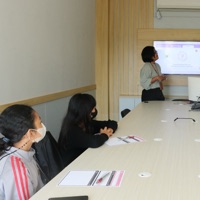
Kelas Creator Kids adalah program pelatihan khusus untuk anak-anak yang bertujuan mengembangkan kreativitas dan keterampilan teknologi sejak dini. Di kelas ini, anak-anak akan belajar dasar-dasar pembuatan konten digital dimulai dari public speaking, pengambilan video dengan Handphone, video editing sedehana, dengan pendekatan yang interaktif dan ramah anak. Benefit mengikuti Kelas Creator Kids: •Pengembangan Keterampilan Digital •Meningkatkan Kreativitas dan Problem Solving •Pembelajaran Interaktif dan Kolaboratif •Persiapan Masa Depan Pendaftaran Full Creator Kids Class akan mendapatkan Sertifikat dan Portofolio bagi seluruh peserta.
What You'll Learn in Creator Kids Class
- Age-appropriate skills for your child
- Confidence, focus, and discipline
- Creative or physical expression
- Social interaction with peers
Key Benefits
- Strengthens academic foundation
- Builds critical thinking skills
- Prepares for future careers
- Develops love of learning
Who This Class Is For
This class is perfect for primary-school kids (6–12 years). Whether your child is a complete beginner or has some prior experience, the creative skill program is structured so each child progresses at their own pace. Parents looking for structured after-school or weekend activity will find this a strong fit. Kids who enjoy social settings, hands-on learning, and building a new skill will thrive here.
Each session lasts about 90 minutes. Class sizes are capped at 10 so every child gets personal attention. Your child will be guided by instructors who know how to make learning feel like play, age-appropriate, hands-on, and confidence-building. Most venues provide the equipment and materials your child needs. Many providers also welcome parents to watch the first session, check the booking details for the exact policy at this class.
Class Details
Tips for Parents
- Arrive 10 minutes early to help your child settle in before Creator Kids Class begins.
- Pack water, a small snack, and any required gear the night before to avoid morning rush.
- Ask the instructor for weekly progress updates, most are happy to share what your child is mastering.
Why Creator Kids Class Is Worth Considering
Choosing the right creative skill for your child in Denpasar can feel overwhelming. There are dozens of providers across Jakarta, Bandung, Surabaya, and the wider region, and most parents only get to compare a handful before they have to commit. Creator Kids Class stands out because it pairs the structured curriculum every parent expects with the warmth and patience that young children genuinely need to keep coming back week after week.
Parents often tell us they wanted a class where their child would be busy, safe, and meaningfully challenged, not just entertained for an hour. Creator Kids Class is built around that goal. Bisma Informatika Indonesia runs the program with experienced instructors who plan each session in advance, brief parents on what was covered, and adjust the pace when individual children need more time to master a skill. The result is steady, visible progress that you'll notice within the first few weeks.
What You Can Expect Each Session
A typical session at Creator Kids Class starts with a short warm-up so children settle into the room and reconnect with their friends and instructor. The main learning activity then runs for the bulk of the session, followed by a wind-down moment that helps your child transition back to the rest of their day. Bisma Informatika Indonesia keeps the schedule predictable so children develop a sense of routine, which is especially important for younger kids who thrive on structure.
Throughout the session, the instructor is actively coaching, observing, and giving short individual feedback rather than running a one-size-fits-all class. You can usually pick up your child a few minutes early to catch the closing summary, and many families take that as their cue to ask the instructor what to practice during the week. Photos and short notes from the session also appear in the Happy Kamper parent app so you don't have to rely on memory alone for the highlights.
Age Suitability & Readiness
Creator Kids Class is most suitable for primary-school kids (6–12 years). The official age window for this class is 6–12 years, but the instructor's real focus is developmental readiness rather than a strict birthday cut-off. If your child is on the edge of the range, slightly younger but socially confident, or slightly older but still building foundational skills, message the provider through the Happy Kamper app and they'll happily talk it through with you.
Within a single session you'll often see kids spread across that age range working at slightly different paces, which is exactly the design intent. Younger participants get extra scaffolding and patience; older or more experienced children get stretch challenges so they don't plateau. This mixed-readiness model is the same approach used by the best early-childhood programs across Indonesia, and it works because the instructor adapts in real time.
Safety Notes & Protocols
Safety is not an afterthought at Creator Kids Class. The provider keeps the venue clean, the equipment well-maintained, and the staff-to-child ratio appropriate for the age group. Allergy and medical information from your child's Happy Kamper profile is visible to the instructor before each session, so they already know what to watch out for, you don't need to re-explain everything every time you arrive.
Drop-off and pick-up follow a clear protocol so only authorised adults can collect your child. If you ever need to send a different family member or driver, you can record an alternate pick-up contact in the app and the instructor will see it during check-out. In the rare case of an incident, the provider documents what happened, alerts you immediately through the app, and follows up in person at the next session, no surprises, no missing details.
Extra Questions Parents Ask
That's completely normal, most children take one or two sessions to feel fully at ease. The instructor expects this and will gently include your child without forcing participation. Watching from the sidelines on day one is fine, and most kids are happily participating by session two or three.
Most providers prefer that you drop off so children can build independence and the instructor can hold full attention. For very young or first-time participants, staying for the first session is usually welcome. Confirm the policy with the provider through the Happy Kamper app before your first visit.
For shorter classes, a water bottle is enough. For longer sessions or daycare-style bookings, pack a healthy snack and label it clearly with your child's name. Avoid common allergens like nuts when other children are around, and check the provider's policy on food sharing.
Yes, most Denpasar providers using Happy Kamper post a short summary, photo, or note in the parent app after each session. For longer programs, you'll also get periodic milestone updates so you can see exactly how your child is developing across weeks and months.
Reach out through the Happy Kamper chat as soon as you know. Many providers offer a make-up session within a defined window, especially for term-based programs. Drop-in classes are usually one-off, but the provider may offer a credit if you cancel with enough notice.
About the Provider
Bisma Informatika Indonesia adalah Pusat Pelatihan dan Sertifikasi yang berlokasi di Denpasar, Bali, dengan fokus pada pengembangan keterampilan teknologi informasi. Menawarkan berbagai program pelatihan dari bidang IT maupun Non IT hingga sertifikasi berstandar nasional. Dengan instruktur berpengalaman, fasilitas lengkap, dan kurikulum yang selalu diperbarui. Bisma Informatika memastikan peserta memperoleh keahlian atau skill yang relevan dan kreativitas dengan metode yang interaktif juga menyenangkan, yang dirancang sesuai dengan tingkatan peserta.
Location
Parent Reviews 4.5/5 · 50 reviews
Mau daftar
Tempat yang mudah untuk mencari sertifikasi keahlihan komputer seperti cisco, CIPMA, web developer dan lain lain. Tempatnya enak sepi nyaman, konsentrasi tidak terganggu jika saat ujian sertifikasi berlangsung. Untuk harga sertifikasi macam macam tergantung yang mau diambil.
Cukup baik tempatnya. Saya tes DOT (Desktop Training Office) disini.
Kampusnya bagus, bersih, pegawainya ramah, kelasnya bagus berkualitas dan nyaman
A good place for study